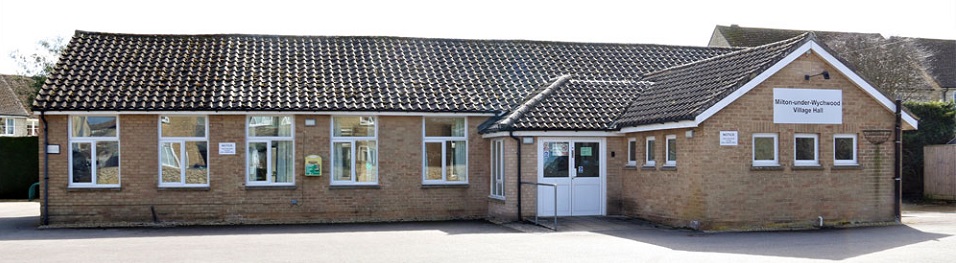
To book the Hall use the link to the Hallmaster online real-time booking system and click on the + on your required date to make a booking request. Your booking should include time to set up and clear up. With Hallmaster, if you are making a booking request for the first time, you will be asked to enter your contact details and a password. Once you have verified your email, you can look at the status of your booking and also receive responses. Once completed, press save and your request will be sent to the Hall. At this stage the booking is REQUESTED and NOT CONFIRMED. You will then receive an email approving your booking along with an invoice. Once paid your booking is CONFIRMED and will appear on the Hallmaster schedule.
PLEASE READ THE TERMS AND CONDITIONS CAREFULLY BEFORE MAKING A BOOKING.
ALL BOOKINGS ARE MADE SUBJECT TO ACCEPTING THE TERMS AND CONDITIONS
E Mail – muwhallbooking@gmail.com
.